Photo Cleanup Strategy
How to Clean Your Camera Roll Without Feeling Overwhelmed
SwipePurge blog articles explain practical camera roll cleanup workflows, safety-first delete patterns, and growth insights for photo cleaner app discoverability.
A repeatable workflow to reduce clutter with daily progress and lower decision fatigue.
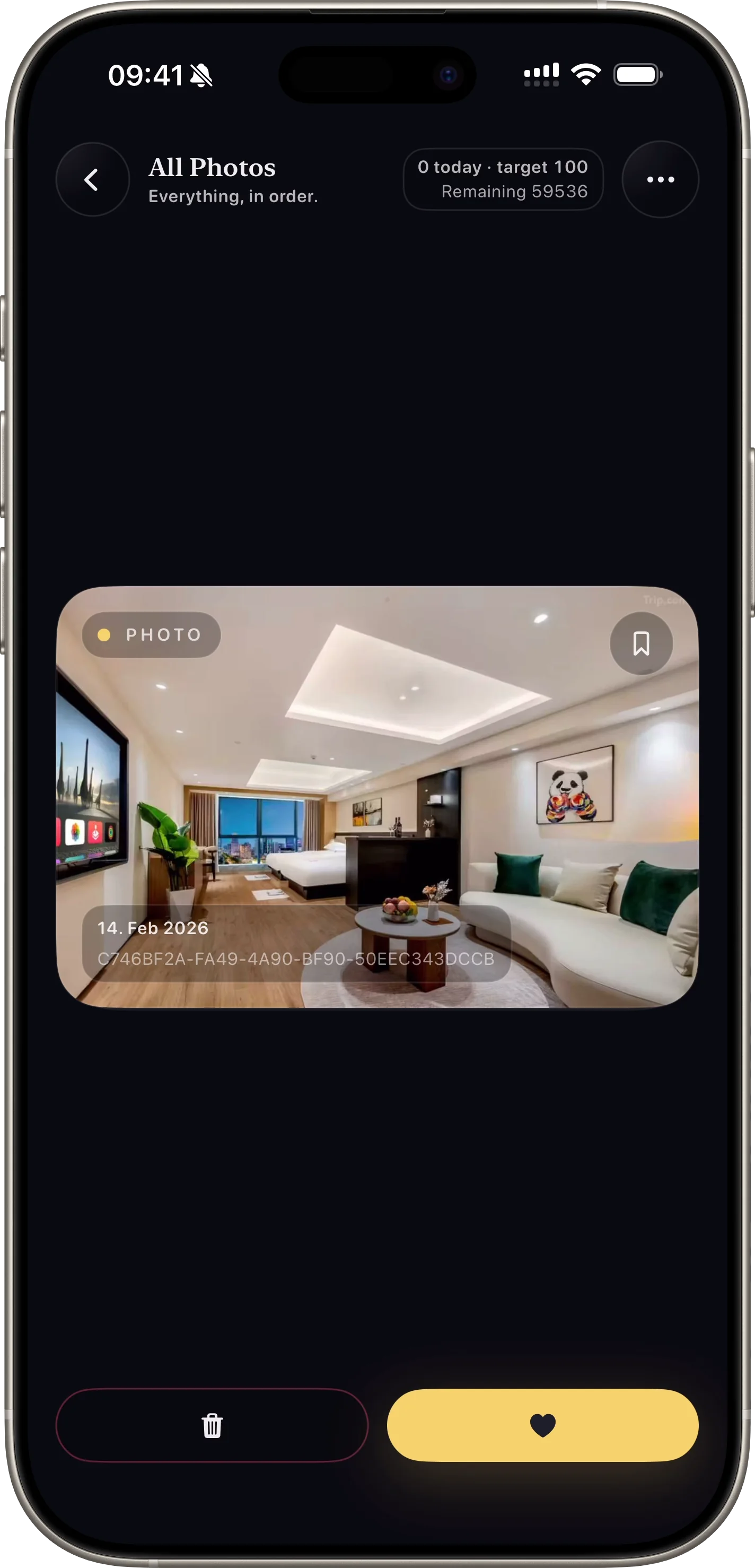
Start with one lane, not your full library
Most people quit because they open everything at once. Category-based sessions reduce decision fatigue and create quick wins.
A screenshots lane is usually the fastest place to start because low-value clutter is easy to identify.
Use a daily quota you can actually repeat
Short sessions beat heroic cleanup marathons. A daily target helps users maintain consistency and avoid burnout.
When users see visible streak-like progress, they are more likely to return and continue cleanup.
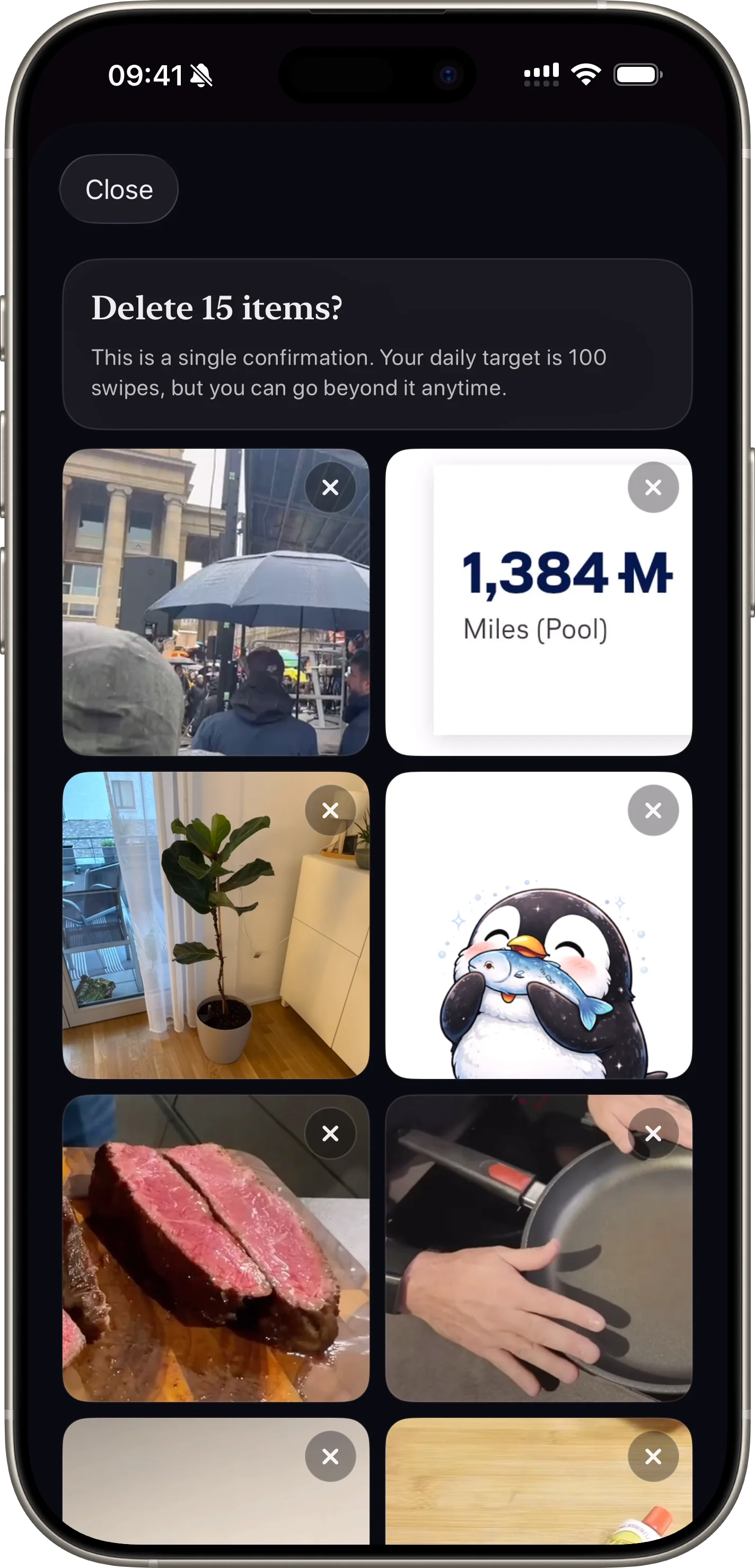
Always keep a safe confirmation step
Immediate deletion creates anxiety. Deferred delete confirmation improves trust and reduces accidental loss.
A pending inbox gives users confidence that cleanup is reversible until final confirmation.
FAQ
How many photos should users process per day?
A realistic range is 30 to 100 swipes daily depending on library size and user schedule.
What category gives the fastest first win?
Screenshots are often the quickest lane for meaningful cleanup early on.
Related articles
Safer Deletion
Safe Photo Delete Workflows for iPhone Users
Why queue-first deletion and final confirmation steps increase trust and retention.
Read Article